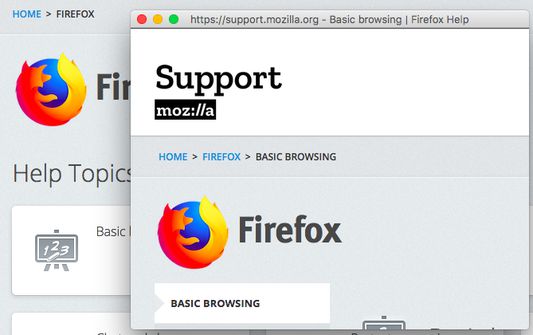
Popup window Autor: Ett Chung
Move tab to standalone window, without tabs bar, navigation bar and bookmark bar UI.
3 515 používateľov3 515 používateľov
Metadáta rozšírenia
Snímky obrazovky
O tomto rozšírení
Move tab to standalone window, without tabs bar, navigation bar and bookmark bar UI.
Usage:
1. Right click on link, click [Open this link in pop-up window] => po-pup link to standalone window.
2. Right click on page, click [Move current page to pop-up window] => move current page to standalone window.
3. Click on toolbar button => move current page to standalone window.
4. More preferences in add-on setting page.
Usage:
1. Right click on link, click [Open this link in pop-up window] => po-pup link to standalone window.
2. Right click on page, click [Move current page to pop-up window] => move current page to standalone window.
3. Click on toolbar button => move current page to standalone window.
4. More preferences in add-on setting page.
Hodnotené 4,6 od 88 recenzentov
Ďalšie informácie
- Odkazy doplnku
- Verzia
- 0.1.3
- Veľkosť
- 17,32 kB
- Posledná aktualizácia
- pred 3 rokmi (20. máj 2023)
- Licencia
- Licencia MIT
- História verzií
- Pridať do kolekcie