NattyNote av ahmelq
Take time-stamped YouTube notes.
46 brukarar46 brukarar
Metadata for utvidingar
Skjermbilde
Om denne utvidinga
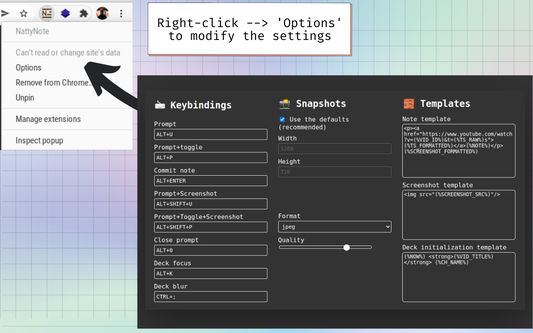
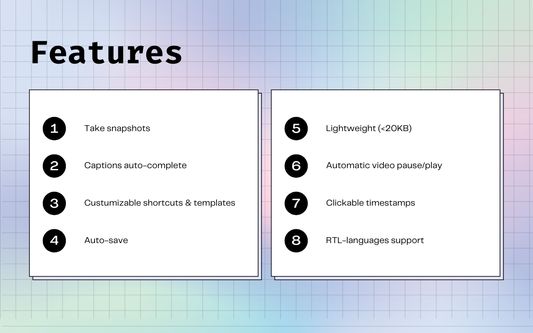
Press Alt+P, the video will stop playing, a prompt will show up, write your note and then press Alt+Enter. Your timestamped notes will appear at the bottom of the video. You can also press Alt+U to take notes without pausing the video. Hit the Shift key with the previous commands to take a snapshot!
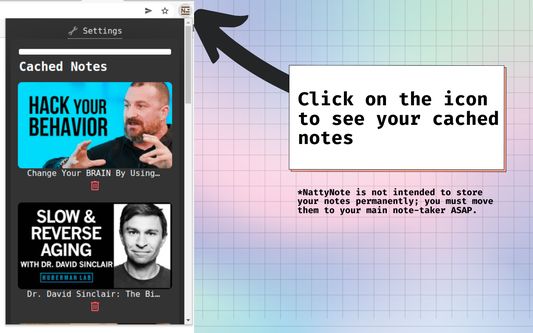
Once you finish, press Ctrl+K to focus on the deck, then Ctrl+A, Ctrl+C to select everything and copy it, to paste it into your favorite note-taker.
Vurdert 4,8 av 4 meldarar
Løyve og data
Påkravde løyve:
- Inndata til utklippstavla
- Tilgang til dataa dine for nettsider på domenet youtube.com
Datainnsamling:
- Utviklaren seier at denne utvidinga ikkje krev datainnsamling.
Meir informasjon
- Lenker for tillegg
- Versjon
- 2.1.2
- Storleik
- 24,96 KB
- Sist oppdatert
- 2 månader sidan (13. okt. 2025)
- Liknande kategoriar
- Versjonshistorikk
- Etikettar
- Legg til i samling
Utviklaren av denne utvidinga spør om du kan hjelpe til med å støtte den vidare utviklinga med eit lite pengebidrag.