NattyNote 作成者: ahmelq
Take time-stamped YouTube notes.
46 Users46 Users
拡張機能メタデータ
スクリーンショット
この拡張機能について
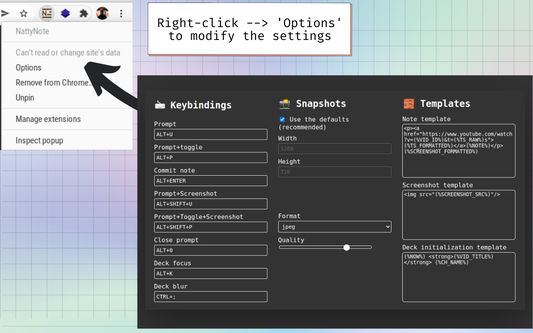
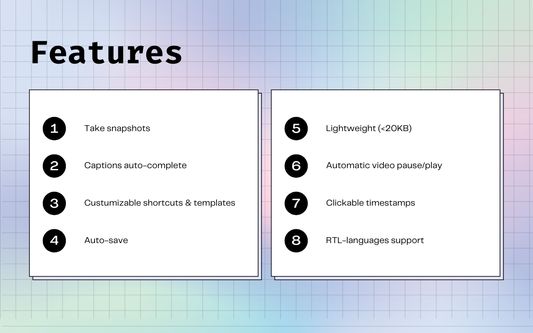
Press Alt+P, the video will stop playing, a prompt will show up, write your note and then press Alt+Enter. Your timestamped notes will appear at the bottom of the video. You can also press Alt+U to take notes without pausing the video. Hit the Shift key with the previous commands to take a snapshot!
Once you finish, press Ctrl+K to focus on the deck, then Ctrl+A, Ctrl+C to select everything and copy it, to paste it into your favorite note-taker.
Rated 4.8 by 4 reviewers
Permissions and data
必要な権限:
- クリップボードへのデータ入力
- youtube.com ドメインにあるサイトのユーザーデータへのアクセス
Data collection:
- The developer says this extension doesn't require data collection.
詳しい情報
- アドオンリンク
- バージョン
- 2.1.2
- サイズ
- 24.96 KB
- 最終更新日
- 2ヶ月前 (2025年10月13日)
- バージョン履歴
- コレクションへ追加