
PhotoShow per Vincent W.
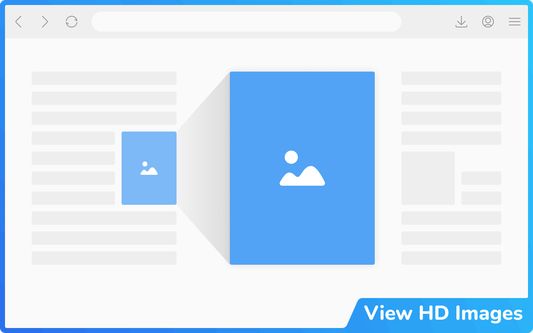
Hover to zoom and view high-definition images. Instantly enlarge visuals, crafted for all your favorite websites—and for you.
Metadatos del extension
Capturas de schermo

A proposito de iste extension
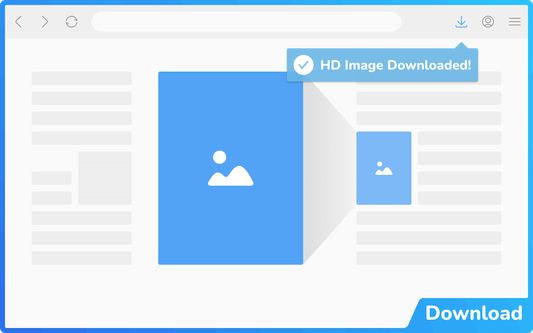
PhotoShow is a tool for browsing and downloading high-definition images by hovering mouse on image thumbnails, working on most websites and carefully crafted for over 300 popular ones of your daily use, including Amazon, Facebook, Google, Instagram, Wiki, YouTube, etc.
● HOTKEYS
Tab: Open the HD image in a new tab
S: Save the HD image
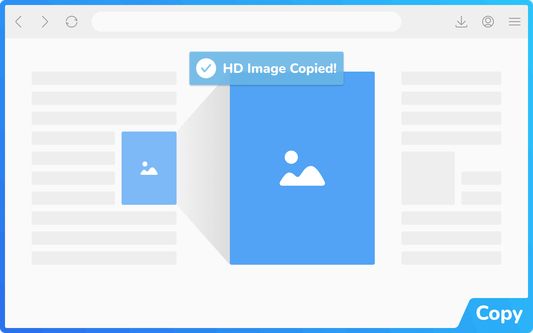
C: Copy the HD image address
Alt + C: Copy the HD image
Esc: Close the image viewer
X: Temporarily suspend the image viewer while held
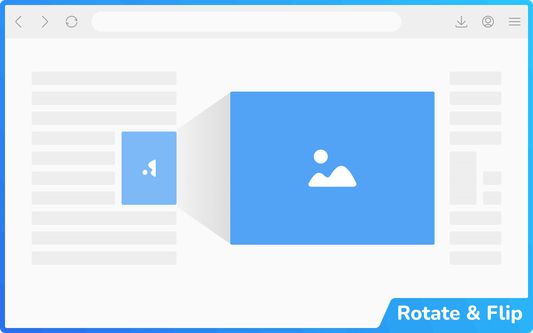
Shift + Ctrl + ← / →: Rotate the image counterclockwise/clockwise
Alt + Ctrl + ← / → / ↑ / ↓: Flip the image horizontally/vertically
← / → / ↑ / ↓: Scroll the image left/right/up/down
PgUp / PgDn: Scroll the image up/down by its visible height
Home / End: Scroll to the top/bottom of the image
A / F / L / M / P: Switch view mode
V: Toggle between the last two used view modes
● SETTINGS
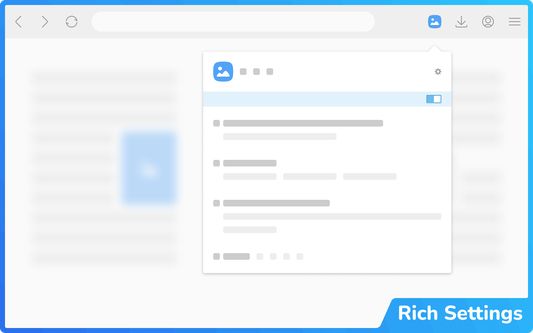
PhotoShow comes with a rich set of settings designed to adapt to your browsing needs, from customizing how the image viewer appears, to adjusting controls, shortcuts, and behaviors. Whether you prefer a clean, distraction-free interface or a feature-packed experience, PhotoShow lets you fine-tune the viewer to suit your style.
Key options include:
For more information, please refer to the Options page (global settings) and PhotoShow’s popup window (site-specific settings).
● HOTKEYS
Tab: Open the HD image in a new tab
S: Save the HD image
C: Copy the HD image address
Alt + C: Copy the HD image
Esc: Close the image viewer
X: Temporarily suspend the image viewer while held
Shift + Ctrl + ← / →: Rotate the image counterclockwise/clockwise
Alt + Ctrl + ← / → / ↑ / ↓: Flip the image horizontally/vertically
← / → / ↑ / ↓: Scroll the image left/right/up/down
PgUp / PgDn: Scroll the image up/down by its visible height
Home / End: Scroll to the top/bottom of the image
A / F / L / M / P: Switch view mode
V: Toggle between the last two used view modes
● SETTINGS
PhotoShow comes with a rich set of settings designed to adapt to your browsing needs, from customizing how the image viewer appears, to adjusting controls, shortcuts, and behaviors. Whether you prefer a clean, distraction-free interface or a feature-packed experience, PhotoShow lets you fine-tune the viewer to suit your style.
Key options include:
- Whitelist Mode: Disable PhotoShow globally, then enable per site with its popup toggle.
- Viewer Trigger: Require an assist key press to show the viewer.
- Thumbnail Types & Viewer Exceptions: Control which thumbnails trigger the viewer.
- Viewer Positions: Default is beside the thumbnail, but you can allow fullscreen by choosing "center".
- Image Info Display: Show captions, dimensions, formats, or file sizes.
- New Tab Opening Behavior: Choose whether new image tabs open in the foreground or background.
- Transition Animation: Smooth animations, or reduce/disable them.
- Viewer Color Scheme: Choose either "light" or "dark" theme for the viewer.
- Keyboard Shortcuts: Enable/disable specific shortcuts.
- Image Download: Customize filenames with placeholders (e.g. "my images/<H>/<c>").
- Assistance & Enhancements: Extra tools like marking viewed images or enabling/disabling context menu items.
- Settings Management: Export/import your settings to transfer between devices, or reset either global or site-specific settings.
For more information, please refer to the Options page (global settings) and PhotoShow’s popup window (site-specific settings).
Valutate 4,6 per 127 revisores
Permissiones e datos
Permissiones necessari:
- Extende le instrumentos de disveloppamento pro acceder a tu datos in le schedas aperite
- Discargar files e leger e modificar le chronologia de discargamentos del navigator
- Accede al schedas del navigator
- Acceder al activitate del navigator durante le navigation
Permissiones optional:
- Inserer datos in le area de transferentia
- Acceder a tu datos pro tote le sitos web
Plus de informationes
- Ligamines del additivo
- Version
- 4.82.0
- Dimension
- 816,57 KB
- Ultime actualisation
- 1ヶ月前 (2025年11月3日)
- Categorias associate
- Licentia
- Tote le derectos es reservate
- Accordo de licentia pro usator final (EULA)
- Lege le accordo de licentia pro iste additivo
- Historia de versiones
- Adder al collection